

The 2025 Restaurant Website Checklist: What You’re Missing That’s Costing You Customers

In 2025, your restaurant’s website is more than a digital business card—it’s your most important sales tool. With more diners turning to Google, Instagram, Yelp, and delivery apps to decide where to eat, your website plays a critical role in driving foot traffic, online orders, and repeat visits. And yet, most independent restaurant websites are losing customers every day because of outdated design, clunky mobile experiences, slow load times, and lack of key information.

Here’s the truth: if your restaurant’s website doesn’t immediately tell visitors what makes your brand special—and make it easy to take action—you’re leaving serious money on the table.
In this guide, we break down everything your restaurant website needs in 2025 to stay competitive, grow your guest list, and convert more first-time visitors into loyal customers.

Mobile-First Design That’s Fast, Functional, and Beautiful

In 2025, mobile usage dominates how people find restaurants. With Google prioritizing mobile-first indexing, your mobile website isn’t just “nice to have”—it’s a ranking factor. More importantly, it directly impacts whether someone will order from you or scroll away.

Best Practices:

  • Use responsive frameworks (like Bootstrap or custom CSS grids) to ensure your layout adapts cleanly to phones and tablets.
  • Eliminate image-heavy elements that cause slow load times. Use tools like PageSpeed Insights to test speed and compress images without losing quality.
  • Sticky call-to-action buttons that follow the user (like “Order Now” or “Call Us”) make it easy to act.

SEO Bonus: Google penalizes mobile pages with slow load times. Compress images, use lazy loading, and host your site on a fast server or CDN.

Real-World Example: A fast-casual taco brand in Austin upgraded to a mobile-first experience with a sticky “Order Now” button and reduced page load time from 5.7 to 2.1 seconds. Result: 30% increase in orders in the first 45 days.

Updated Menus with High-Quality Photos

Menus are the #1 thing customers look for when they visit your site. But many restaurants still upload outdated PDF menus that:

  • Take too long to load
  • Aren’t mobile-friendly
  • Don’t get indexed by Google
This creates friction and hurts your visibility and conversions.

Best Practices:

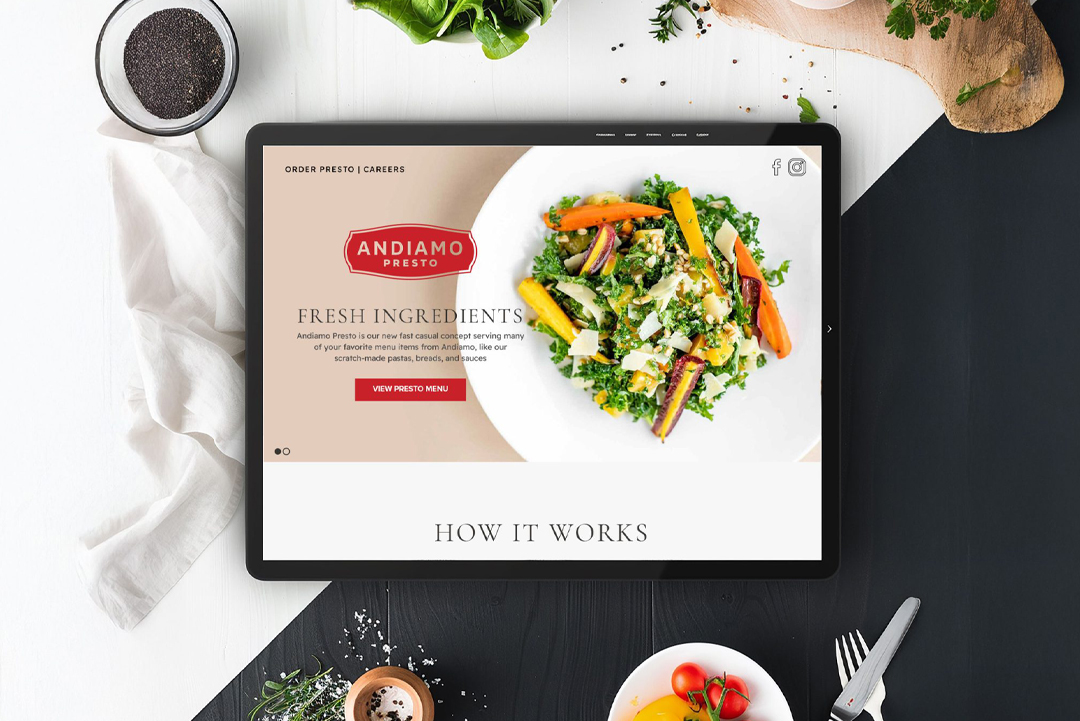
  • Use HTML-based menus instead of PDFs—these are faster, more accessible, and searchable by Google.
  • Include allergen and dietary markers (vegan, GF, keto, halal, etc.) to appeal to conscious diners.
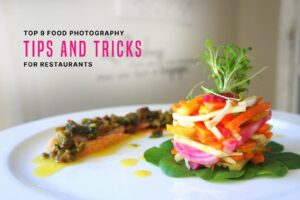
  • Add professional food photography for 5–8 hero dishes. Photos can increase menu conversions by up to 80%.

SEO Bonus: Each menu item should have a descriptive title and text. For example, instead of “Fried Chicken Sandwich,” try:

“Nashville Hot Chicken Sandwich – Crispy buttermilk fried chicken topped with house pickles & jalapeño slaw on a toasted brioche bun.”

These descriptions give Google more content to crawl—and more appetite appeal for humans, too.

Real-World Example: A gastropub in Chicago replaced its PDF menu with an interactive, SEO-optimized HTML menu and saw an astounding 60% increase in organic traffic to its menu page in 3 months.

Clear Navigation & User Experience

Imagine walking into a restaurant where there are no signs, no host, and no clear direction. That’s what a confusing website feels like. You need to guide your digital visitors the same way you’d guide walk-ins—clearly and intentionally.

Best Practices:

  • Keep the top navigation simple! We recommend: Home | Menu | Order | About | Events | Locations | Contact
  • Use breadcrumb trails so users always know where they are on your site
  • Highlight top actions in your homepage header: “Make a Reservation,” “View Menu,” “Get Directions”
  • For multi-location restaurants, use a location finder that auto-detects the nearest option

UX Tools:

  • Hotjar or Microsoft Clarity can show you how people are navigating your site (or getting lost).
SEO Bonus: Clear UX reduces bounce rates—another Google ranking factor.
 
Real-World Example:
A southern breakfast/brunch concept added a “Find My Nearest Location” tool with geolocation and a booking widget. Result: time-on-site increased 2.3x, and phone reservations went up 51%.

SEO-Optimized Copy That Attracts More Local Diners

If you’re not showing up on Page 1 when someone searches “best tacos in [your city],” you’re invisible. Local search is where intent meets opportunity, and your website needs to be optimized for both humans and algorithms.

Best Practices:

  • Use location-specific long-tail keywords in your headlines and paragraphs (ex: “award-winning vegan pizza in Brooklyn”)
  • Every page should have custom meta titles and meta descriptions
  • Use structured data/schema markup for restaurant type, cuisine, hours, and location
  • Create content-rich landing pages for each location (if you have more than one)

Content Strategy Ideas:

  • A blog post on “Top 5 Brunch Dishes in [Your City]”
  • A guide to seasonal menu items (“What to Order in Spring 2025”) 
SEO Bonus: Clear UX reduces bounce rates—another Google ranking factor.
 
Real-World Example:
A West Coast ramen bar added a blog and optimized its location pages for “late-night ramen in LA” and saw organic traffic grow by 4x, leading to a 22% increase in weekday sales.

Social Proof & Trust-Building Elements
Before trying something new, customers want to know others have had a great experience. Reviews, testimonials, and media features act as social validation—aka digital word of mouth.

Best Practices:

  • Display your Google and Yelp reviews with real star ratings
  • Add a “Featured In” strip if your restaurant has been highlighted by local news or influencers
  • Show off your Instagram feed or TikTok snippets to bring real-time energy
  • Highlight community involvement, sourcing transparency, or your chef’s story—anything that makes your brand human

SEO Bonus: Testimonials and UGC (user-generated content) keep your content fresh, which Google rewards.

 
Real-World Example:
A mid-size Italian restaurant with multiple locations embedded a rotating carousel of 5-star reviews and reposted tagged IG stories from diners. Result: average session duration increased by 47%, meaning users stayed longer and explored more.

Integrated Ordering, Reservations, and Loyalty Systems

Online behavior has shifted—diners expect frictionless digital experiences from start to finish. If they’re hungry and can’t order quickly or book a table easily, they’ll move on.

Best Practices:

  • Choose a POS system that integrates directly into your site (Toast, Square, BentoBox, etc.)
  • Avoid redirecting users to a third-party ordering platform—embedded experiences convert better
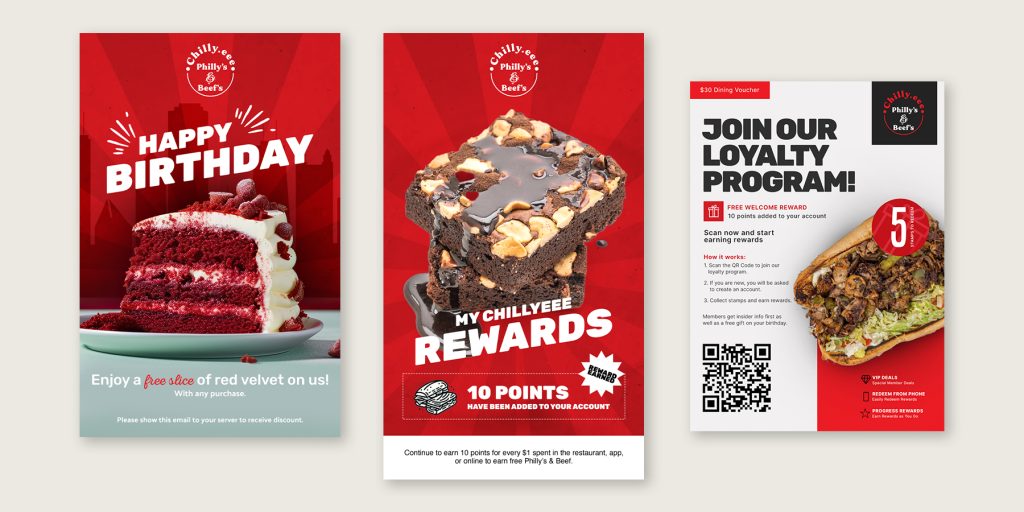
  • Use a loyalty pop-up or header bar with an incentive:
  • “Join our rewards program and get a free appetizer this week”

Email & SMS Capture:

  • Add opt-ins to your reservation and checkout pages
  • Trigger automated follow-up emails with offers or feedback requests

Pro Tip: Segment your email list by customer type (first-timers, regulars, birthday club, etc.) to send more personalized, conversion-friendly campaigns.

 
Real-World Example:
A wine bar launched a loyalty signup bar on their homepage offering a free charcuterie sample for first-timers. Within a month, email list grew by 700+ contacts, and over 20% redeemed their reward on-site.